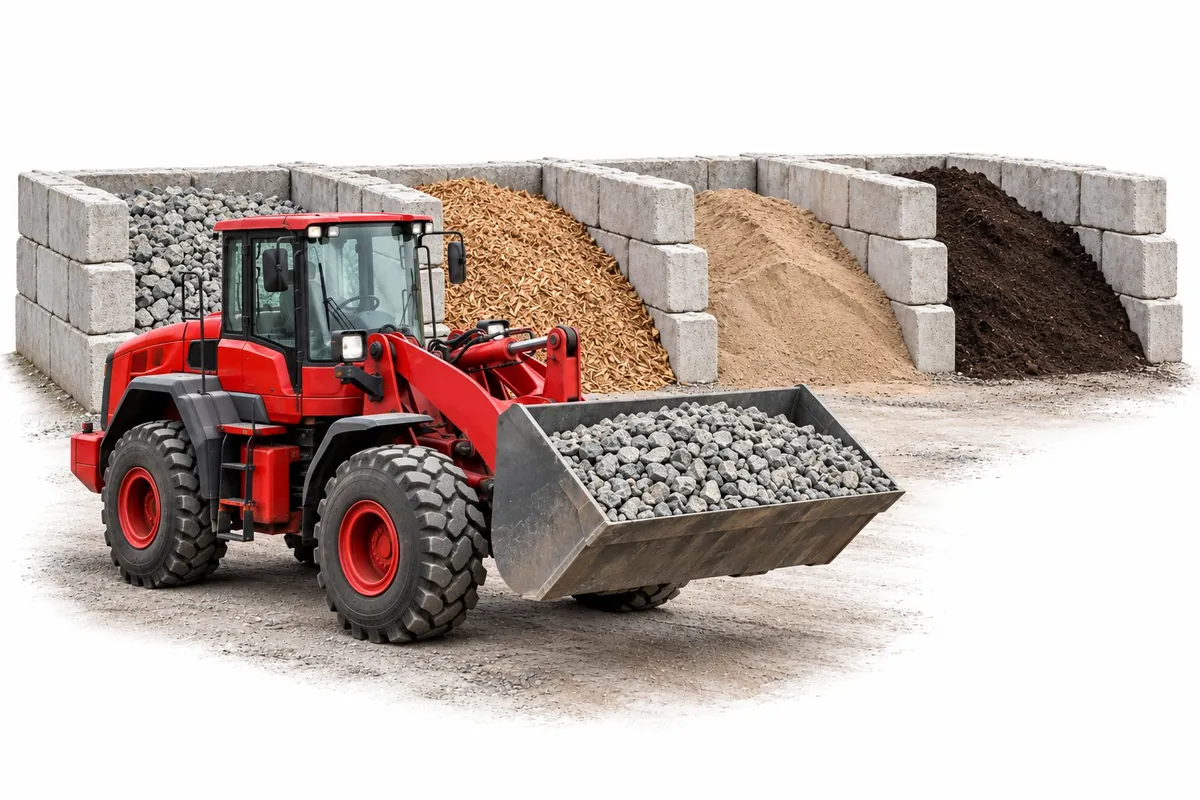
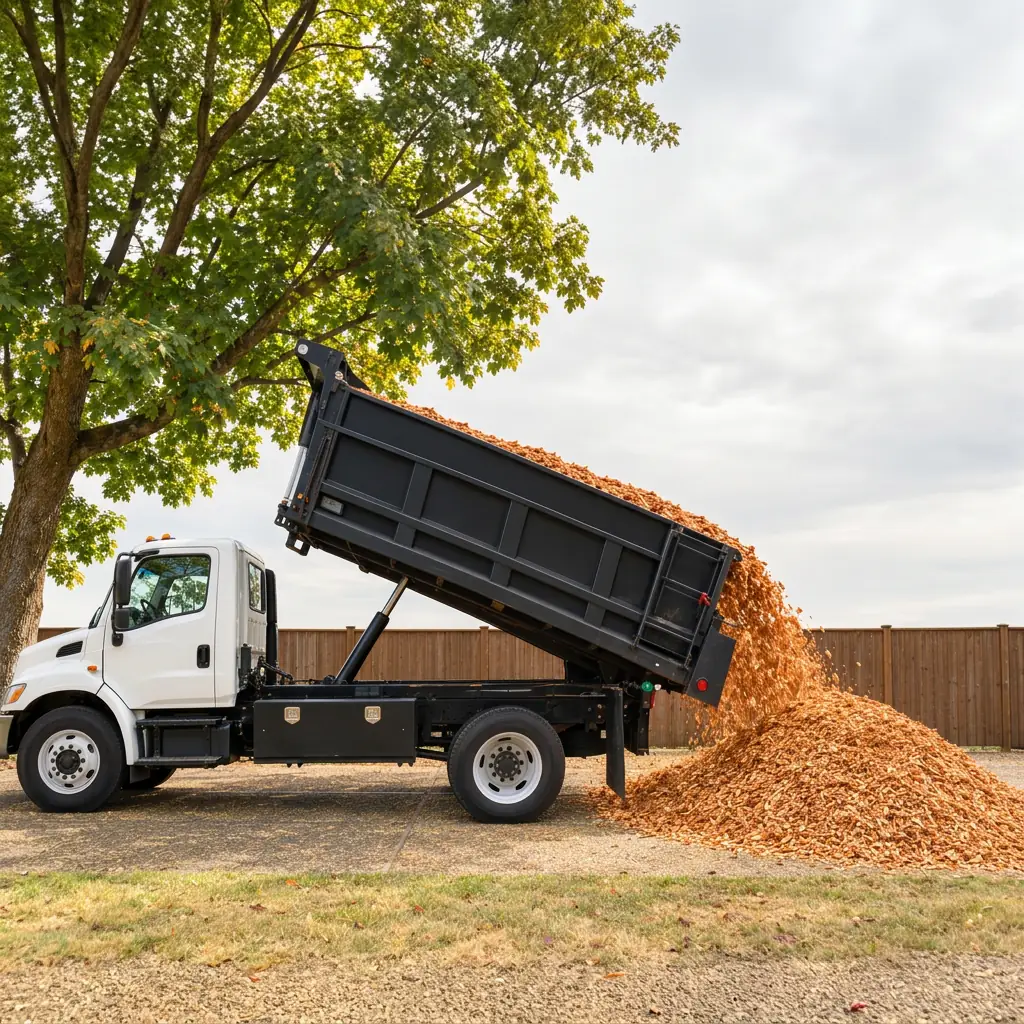

Tuesday, before
Orders everywhere. The day on a whiteboard.
Prices quoted one text at a time, trucks worked out on the board, payment whenever the check shows up, and a customer on hold asking where their gravel is.
The operating system for landscape supply yards and haulers
Customers price their own delivery, or the AI takes their call. Every load lands on a truck you can see, paid before it rolls. Fewer calls, nothing to chase, and customers who know where their load is.
No monthly fee · 2% per order
Or have us set it up, freeWhy yards switch
A yard's day goes to the same handful of problems: the quote call, the whiteboard, the customer asking where their load is, and the money that hasn't shown up yet. One system takes each of them off the counter.
Tuesday, before
Prices quoted one text at a time, trucks worked out on the board, payment whenever the check shows up, and a customer on hold asking where their gravel is.
Tuesday, after
Customers priced and paid for their own loads. Each one landed on the truck that fits it. The customer knows where it is. So do you.
Time back
Customers price their own delivery from your store. AI Phone takes the calls that still come in. Nobody at the counter reads a card number over the phone or rewrites the whiteboard.
Tracking
Which truck has it, what it weighs, when it left and when it landed, with a photo of the drop. Find any order by name, address or number, and every customer's history builds itself.
Visibility
The next seven days on one board, unscheduled loads highlighted, each truck's day in front of you, and a low-stock alert before the pile runs out.
Happier customers
A delivered price before they order, a text when the truck leaves, a photo when it's dropped. Fewer “where's my load?” calls, and the same link to order from next time.
One system for the yard to run on, instead of a phone, a notepad, a whiteboard and a checkbook.
How it works
Drop in your price list or website. The setup assistant builds your store, prices and delivery area.
Online from your link, at the counter in the app, or by phone, where AI Phone takes the order.
Each order goes to the smallest truck that fits it, on the day it's due. Drag to change.
Drivers tap through their stops, payouts go to your bank, and stock comes off as loads go out.
What it looks like
The store your customers see, and the AI that answers calls, runs the dashboard and picks a truck for every load.
Your customers
They type their address, see one total, pick a window and pay by card. No account, no quote call.
Your phone
Press 1 to order goes to an assistant that knows your products, prices the delivery and texts a pay link while they wait.
See AI Phone plansYour dashboard
A phone order, a reschedule, a price change, a load you just received. The assistant lays out the plan and does it.
See what it can doYour trucks
Paid orders go to the smallest truck that carries the weight and volume on the day it's due. Change it with a drag.
See trucks and driversWhat you get
Delivered prices by address, delivery windows, card payment, yard pickup.
Answers order calls, prices the delivery and texts a pay link while they're on the line.
Say what happened in plain words. It shows the plan; you tap Approve.
Each order goes to the smallest truck that fits its weight and volume that day.
One board for the day, a phone view for each driver, a photo at the drop.
By distance, ZIP code or zones you draw. Minimums and small-load fees too.
Stock comes off as loads go out. Vendors confirm POs from a link.
Pro prices, saved jobs and PO numbers for your regulars.
Card at checkout, invoices from any order, payouts straight to your bank.
Hauling with one or two trucks? See haulers
Free to set up. You only pay when a customer pays you. AI Phone is the one optional add-on, from $99 a month after a free trial.